 Deynbook
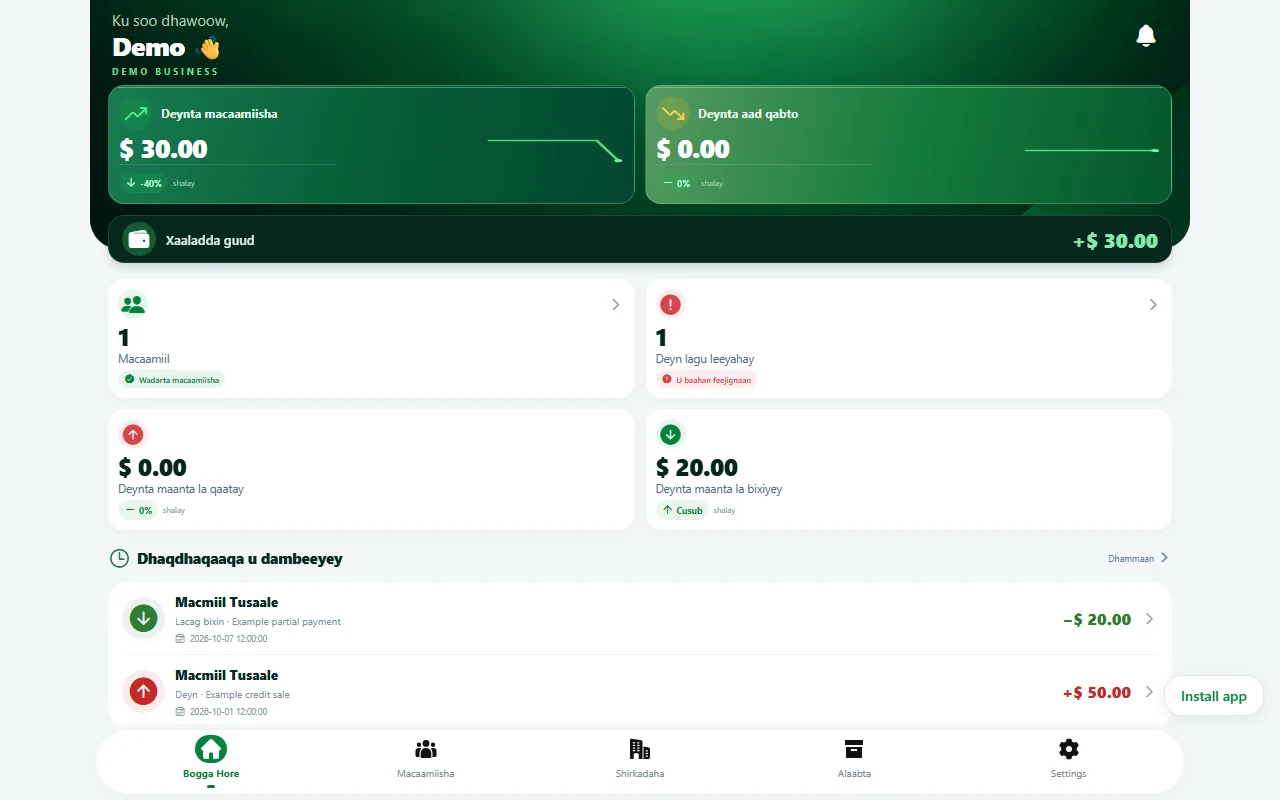
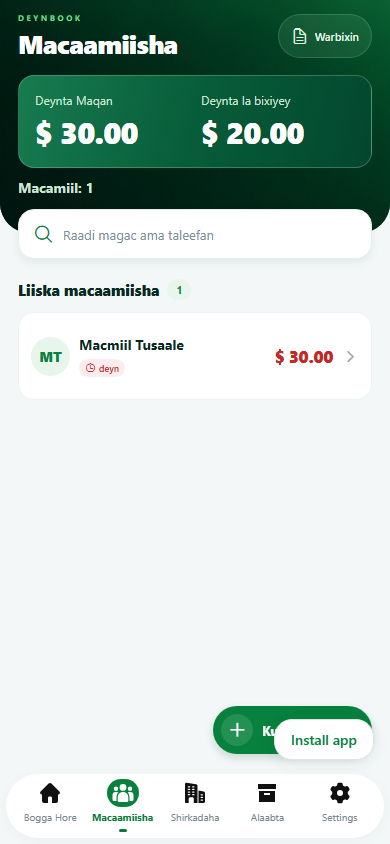
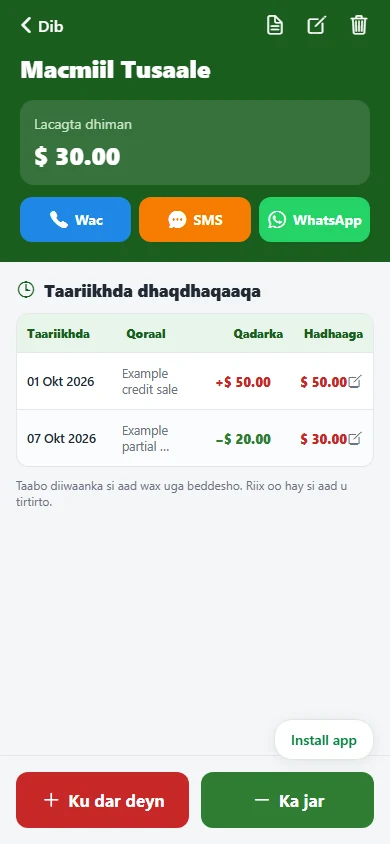
Download for Android
Download the Android APK directly from our website. The website download is separate from Google Play.
Download Deynbook v1.1.9Latest version
For current subscription terms, see Pricing.
Use Deynbook on iPhone and PC
Open Deynbook in your browser. No installation needed.
Sign in with your Deynbook account or create one. The web version uses the same trial and subscription rules as Android. Internet is required to read and save your records.
Add to your home screen
On iPhone, open the web app in Safari, tap Share, then Add to Home Screen. On supported Android and desktop browsers, use the web app’s Install app button when offered. Browser installation does not provide offline record access.
There is no native iPhone or desktop download at present; these devices use the web app.
Install the app
- Download the APK on your Android phone.
- Open the downloaded file. If Android requests permission to install from your browser or file manager, allow it only if you trust this download.
- Complete installation and open Deynbook.
- Sign in or create your account, then add your business details in Settings.
Update an existing installation
Open the downloaded APK to update a compatible existing Deynbook installation. Keep the app installed to preserve local records. If Android reports that the update cannot be installed, contact support before uninstalling, especially if you have unsynchronized work.
What to do next
Follow the Help guide to add your first customer and transaction. See Features for the customer ledger, supplier records and inventory.